
Time tracking made simple
The time tracking app your employees actually want to use
Your team clocks in on mobile with one tap. You get accurate hours, ready for payroll.
- 14-day free trial
Time clock

EasyHours

Martin
Ready to start?

For managers
The web dashboard for managers
The web dashboard gives you a complete overview of your team. See who's working, where they are, and approve timesheets - all from your browser.
- Live team overview - see who's clocked in right now
- Schedule planning across job sites
- One-click timesheet approvals
- Export to PDF, Excel, or your payroll system
- Track hours by project, client, or location



Sophie Carter
since 6:12 AM

Emma Wilson
since 6:34 AM
James Taylor
since 6:58 AM

Laura Brown
since 7:11 AM
David Harris
since 7:26 AM

Charlotte Davies
since 7:48 AM
For managers in the field
The full manager dashboard, on any tablet
Take the office with you. The EasyHours manager view works on any tablet - see live team status, handle approvals, and stay on top of every job site without going back to your desk.
- Live team overview on any tablet
- Approve or flag timesheets on the go
- See who's on which job site in real time
- Instant alerts for late or missed clock-ins
- Same dashboard as the desktop - nothing stripped out
For your team
The clock-in app your employees will actually use
Your team doesn't sit at a desk. EasyHours works wherever they are - on the construction site, driving between jobs, or at a client's home.
- One tap to clock in or out - that's it
- GPS verification so you know where hours were logged
- Automatic break tracking
- Available on iPhone and Android


Project
Task
Sunday, April 12
01:12 PM
Front Desk Kiosk
HQ Lobby


For job sites
A shared clock-in kiosk for any location
Set up a tablet at your office, warehouse, or job site. Workers clock in with their personal PIN - no smartphone needed.
- Works on any Android or iPad tablet
- Personal PIN for each employee
- Fast queue mode for busy mornings
- See who's on site at a glance
- No phone or app download required
Never miss a clock-in
Your team will always remember to clock in and out
Missing clock-ins mean inaccurate timesheets and payroll disputes. EasyHours has multiple layers that catch it before it becomes a problem.
Time to clock in, Thomas
Your shift at Site A starts in 5 minutes.
Reminders that arrive at exactly the right time
An algorithm learns each employee's schedule and work history, then nudges them just before they're expected to start or finish. Not a fixed daily alarm everyone learns to ignore — a personal reminder that's actually relevant.
Forgot to clock out? Handled automatically.
If an employee leaves without clocking out, EasyHours closes the shift automatically — at schedule end, after a configurable grace period, or once a maximum duration is reached. Set it once in settings, and it works silently from then on.
Marcus hasn't clocked in
Expected at 08:00 · 32 min late
Site B: 2 staff not clocked in
Shift started 10 min ago
Know before it shows up on payroll
Get notified the moment someone hasn't clocked in by their expected start time. Spot gaps early and follow up — before a missing entry turns into a problem on Friday.
EU Regulation
Be compliant, avoid fines
EU law requires every employer to keep reliable records of working time. EasyHours handles it automatically.
EU Regulation
EU law requires employers to record working hours
A landmark 2019 EU court ruling obligates every employer in Europe to implement a reliable system for recording each employee's daily working time. Most member states now actively enforce it — and the fines are real.
Court of Justice of the EU — Case C-55/18
"Member States must require employers to set up an objective, reliable and accessible system enabling the duration of time worked each day by each worker to be measured."
Objective, timestamped records
EasyHours captures the exact time of every clock-in and clock-out. Each entry is stored with a timestamp and GPS location — creating the kind of objective, verifiable record the law specifically requires.
Ready for any inspection
Export your full workforce timesheets in seconds. If a labor inspector asks to see records — going back months or even years — you can hand them over without scrambling through paper or spreadsheets.
No extra work for your team
Compliance doesn't require a new process. Workers clock in the same way they always would. The audit trail builds itself — automatically, in the background, every shift.
Every industry
Built for wherever work happens
Whether you run a restaurant, a construction site, or a beauty salon - EasyHours adapts to your world. Here are just some of the industries that rely on us every day.
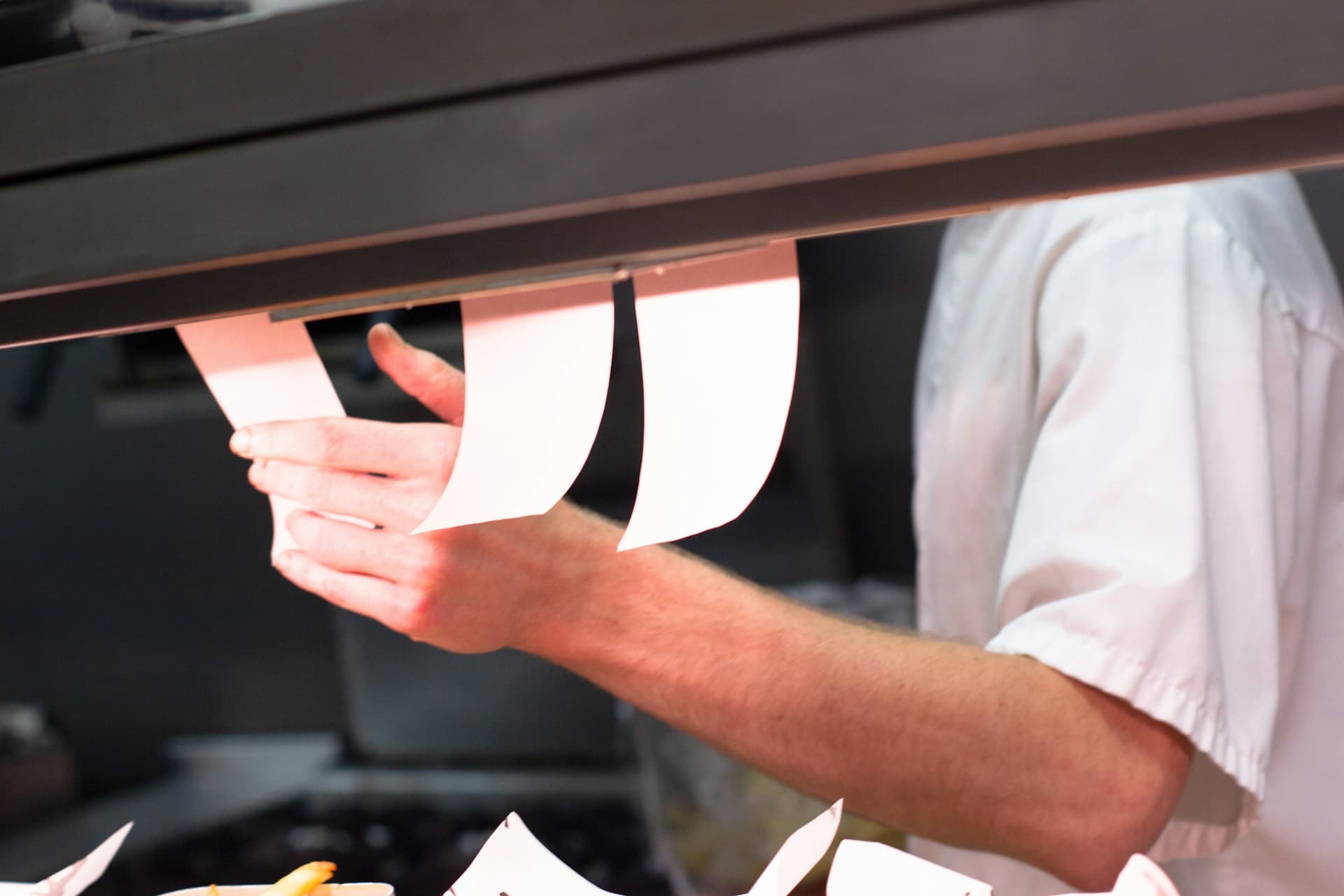
Restaurants and Cafes
From kitchen crew to front-of-house
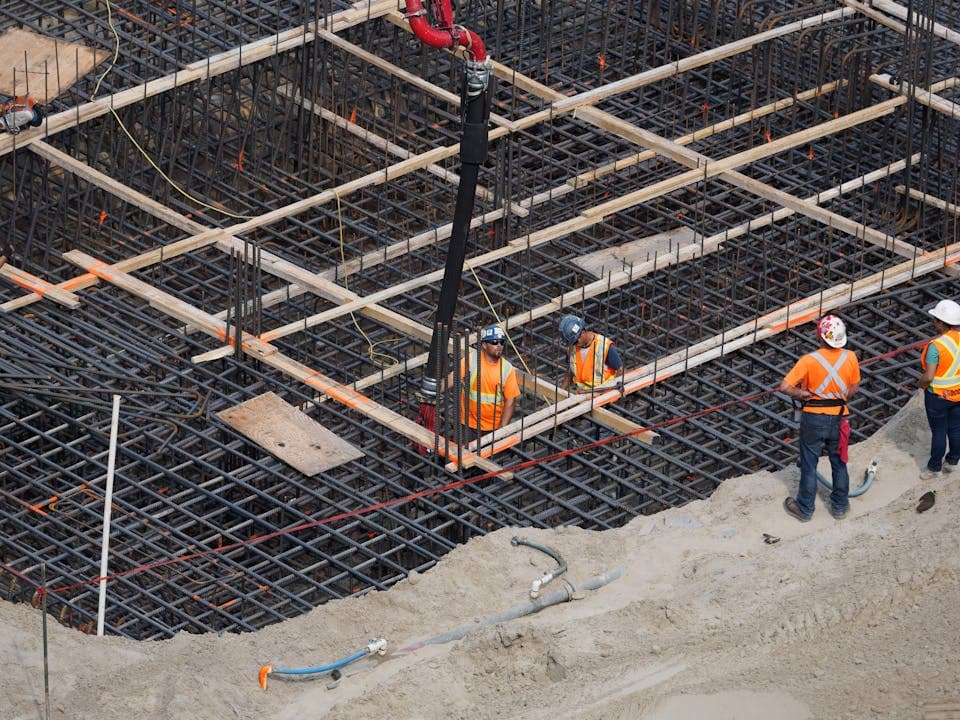
Construction
Track hours across multiple sites

Retail and Shops
Staff rotas that move as fast as your floor

Healthcare and Care
Shift compliance you can count on
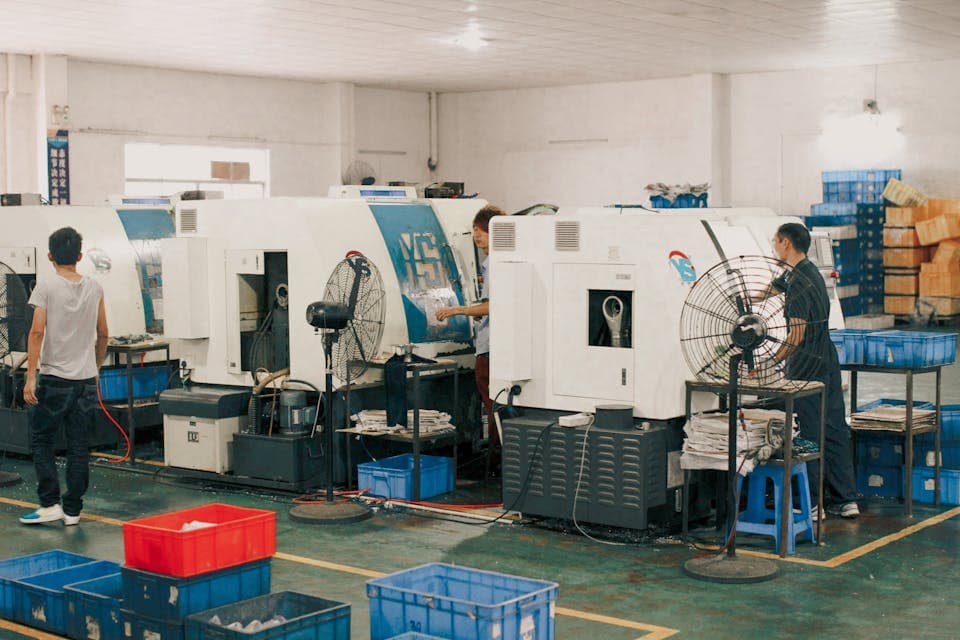
Manufacturing
Accurate hours across every shift pattern
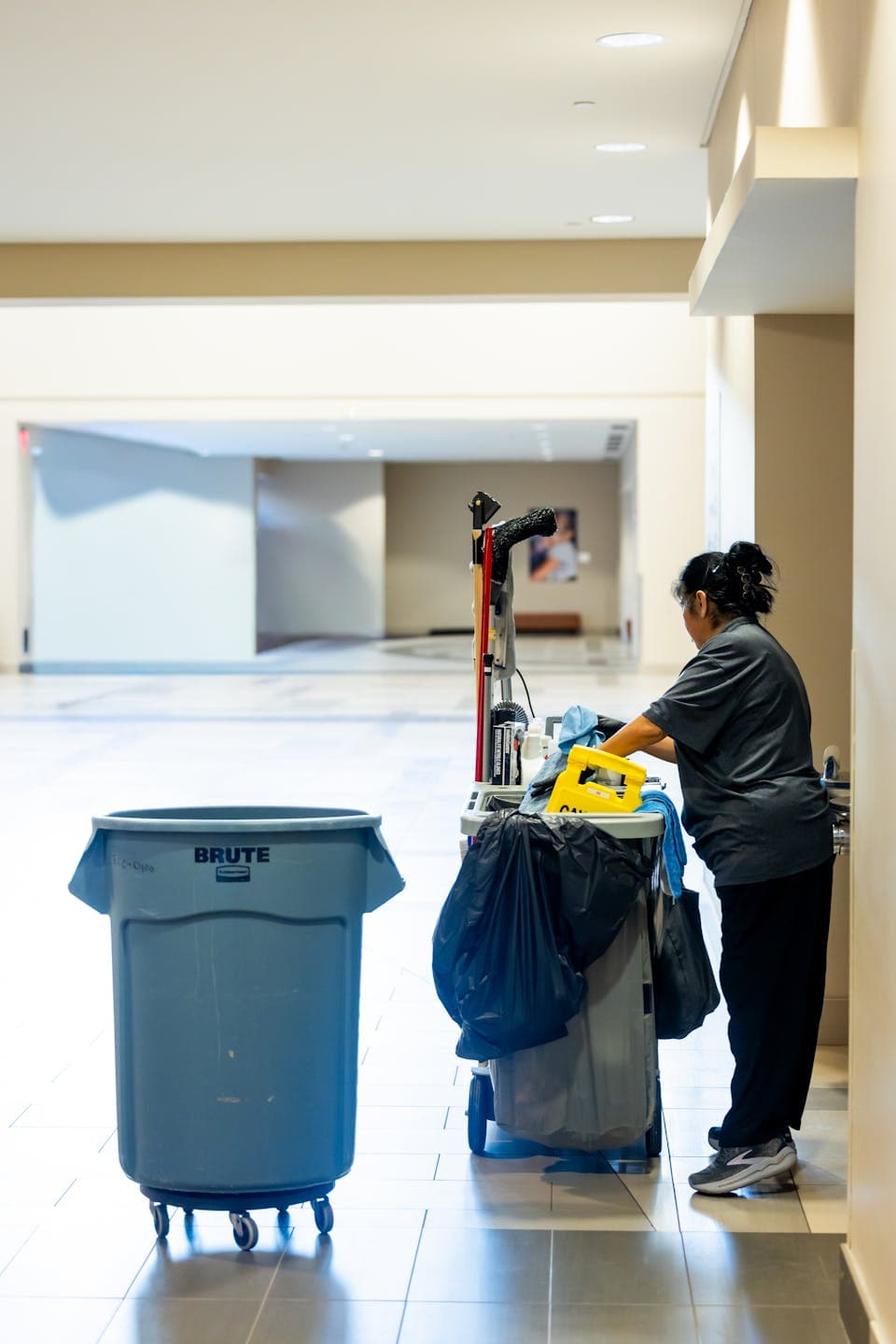
Cleaning Services
Know exactly who's on site and when

Security and Guarding
Precise logs for every post and patrol
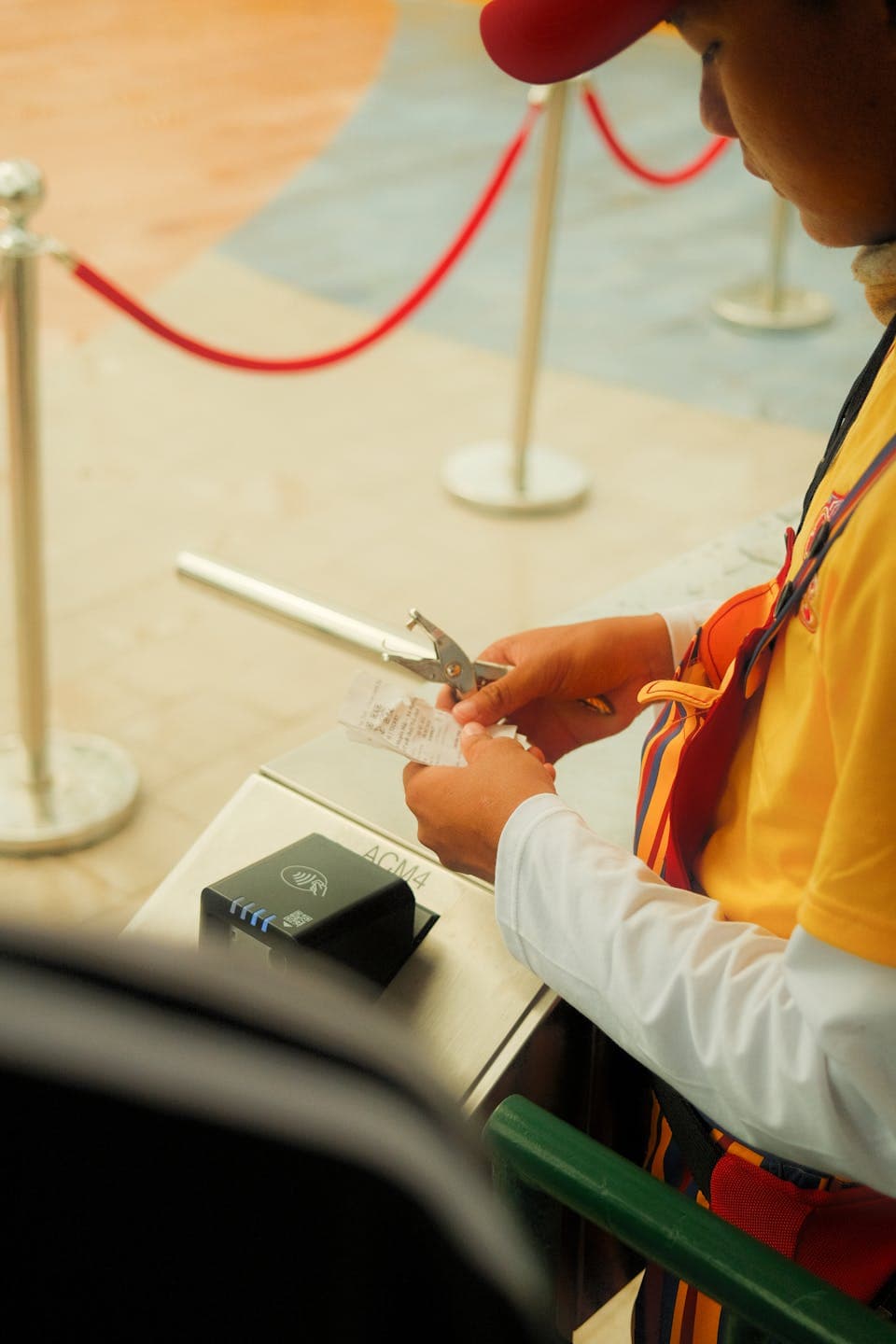
Events and Venues
Flex staffing for every event day
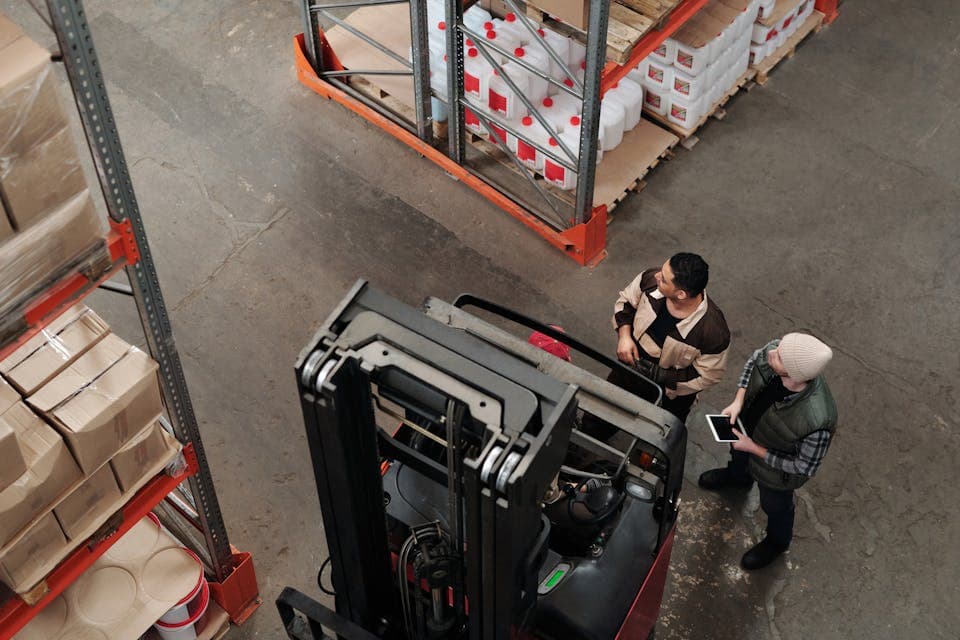
Logistics and Warehousing
Time tracking that moves with your team

Landscaping and Grounds
Track outdoor crews whatever the weather

Hair and Beauty
Appointments end, but shift hours always count

Education and Childcare
Simple enough for every member of staff
And many more - EasyHours works for any business with hourly staff.
What's included
Everything your team needs to track time
GPS verification, tablet kiosks, payroll export - every feature your field team depends on, all in one place.
EasyHours vs the rest
See how we stack up
We built EasyHours because existing tools were too complex and too expensive for field teams. Here's how we compare.
Simple math
EasyHours pays for itself — in the first week
Hours that don't get logged don't get billed. EasyHours captures every one — here's what a typical company stands to recover in unbilled hours.
What 15 minutes a day really costs.
It adds up faster than you'd think.
The math
10 employees
× 15 min of untracked time per person, per day
× 20 working days per month
= 50 hours lost every month
× €60 average billing rate
Adds up to
€3,000
in lost billable revenue, every month
EasyHours starts at $7.20 per user per month. A single recovered hour per employee pays for a full year of EasyHours.
Billing accuracy
10–25%
of billable hours never reach an invoice
Invoices that match reality
Manual entries consistently under-report hours. People forget small tasks, miss quick jobs between sites, or skip logging entirely. Automatic clock-in captures every minute — so what you bill reflects what was actually worked.
Timesheet admin
2–3 hrs
lost to paperwork, every week
Less paperwork, more billable time
Managers waste 2–3 hours every week chasing paper timesheets, fixing mistakes, and compiling payroll by hand. With EasyHours, approval and export takes minutes — not mornings.
Pricing
Simple, honest pricing
No hidden fees. No long-term contracts. Cancel anytime.
Free
For individuals tracking their own time
Everything included:
- 1 user
- One-tap clock in & out
- GPS verification
- Break tracking
- Personal time history
- Personal reminders
- Mobile and desktop access
No credit card required
Business
per user, per month
Billed monthly · Cancel anytime
Everything in Free, plus:
- Add unlimited employees
- Live attendance, alerts, and analytics
- Schedules, leave, and shift trades
- Timesheets, approvals, and edit history
- Payroll reports and PDF, Excel, CSV exports
- Kiosk, worksites, projects, GPS, and geofencing
- Break, overtime, comp-time, and auto clock-out rules
No commitment, cancel anytime
Enterprise
Tailored to your company's needs
Everything in Business, plus:
- Priority support
- Custom integrations
- Dedicated onboarding
- Custom contract & SLA
For large organizations with custom needs
FAQ
Common questions
Here are the answers to what we hear most often. Still not sure? Just reach out — we're real people.
How long does it take to set up?
Do all my workers need a smartphone?
Can I see who is currently on the clock?
Can I try it for free?
Is my data secure?
Can I export data for my accountant?
Do you offer support in my language?
What if I'm switching from another system?
Can I manage multiple locations?
Does it integrate with payroll software?
Can managers have their own access?
Can I cancel anytime?

Get in touch
We'd love to hear from you
Questions about pricing, a demo, or anything else? Drop us a message and we'll get back to you within one business day.
Rather email us directly?